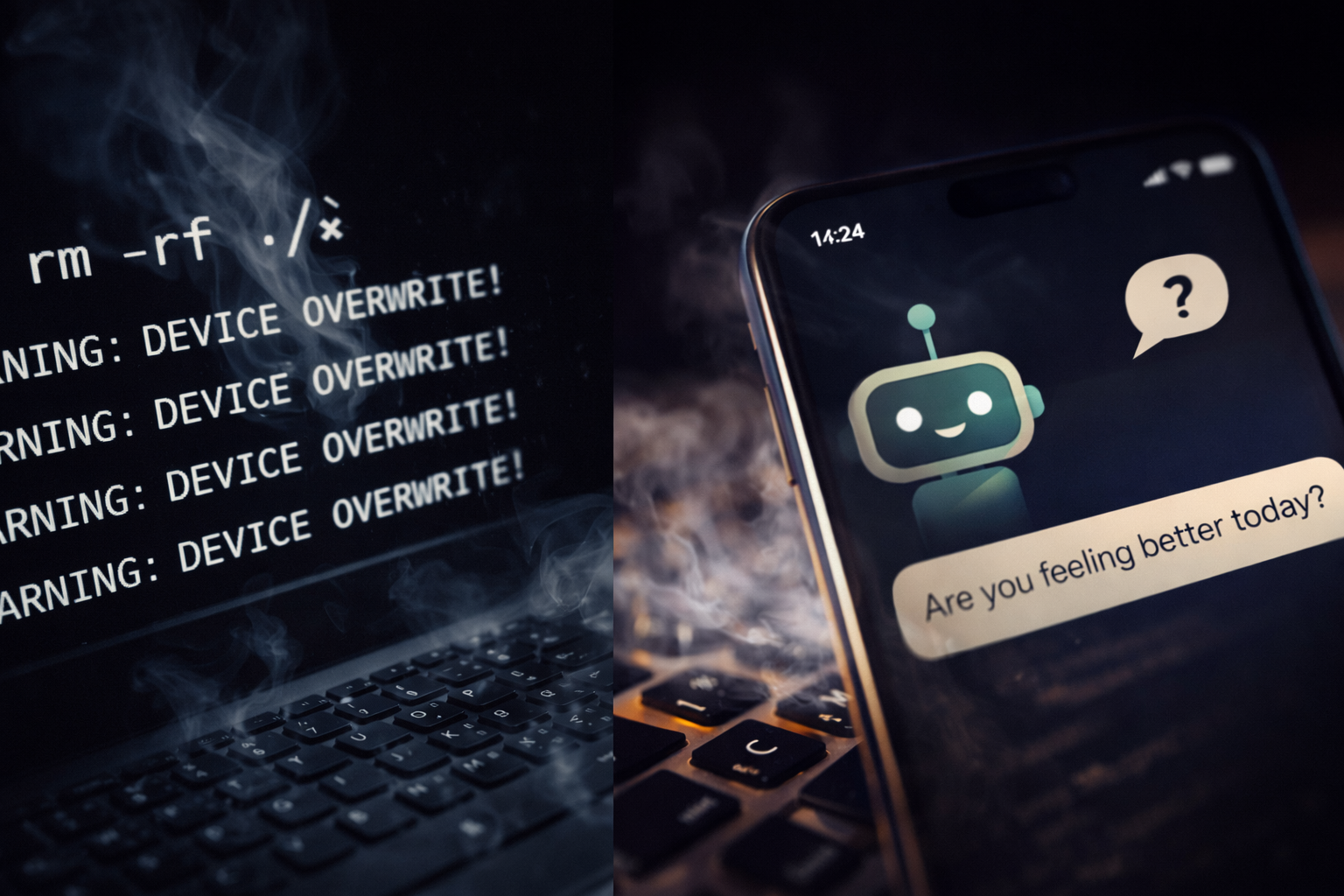
Terminal Can Kill Your Machine
ChatGPT Can Kill Your Calm
Have you ever thought about Terminal, that little black window you can launch IN Windows that brings up a simulacrum of the old DOS? It looks like DOS, but it isn’t. It’s just a little CLI, that’s Command Line Instructions, that you can make tweaks and changes by typing, not clicking.
When it was first introduced, way back in Windows 3, it was the main tool for changes, because windows was just a body, laying on top of DOS, the engine. But to install software, you still needed physical media, software you walked into a store to buy. I even remember packages that didn’t install when you inserted the disk. You couldn’t just open a folder and click “setup.” You had to open the command window and run it yourself. Windows installation disks were like that too, if you wanted to upgrade to 3.1 or 3.11, you typed your way forward.
This was true for a while. Windows 95, 98, even ME (ick) were on top of DOS, and you booted from command line, even then. And this was at the dawning of the internet. So the software did not communicate with anyone or anything else, to install. You had your disks, and a verification code, sometimes.
Then, NT came out. It was for serious geeks, well business, really but geeks do what geeks do. I’m a geek, for sure, but I didn’t install it. My live-in girlfriend did, and I got to hear a symphony of curses from her, so that was what stopped me from doing that (I also skipped ME. I mean, I did install it, hated it like crazy and figured out how to roll back to 98 for a while.)
Then Windows 2000. Not DOS based. It was NT for everyone, not just business and serious nerds.
And boy were there growing pains. People mostly accepted it. (To me that always felt more like a testament to how reviled ME was, but I’m biased.)
DOS as the engine was gone. But the command prompt wasn’t. It looked like DOS. It ran like DOS. But it wasn’t DOS.
You didn’t have to install software through it anymore. You could, but most of the time you just ran setup from inside Windows and moved on. If you were a casual user without nostalgia for the good old days, you never even had to open the command prompt.
Well. Unless you called Tech Support.
Then you very likely had to open it, as instructed, and type things. And you might have gone, “Hey… that’s DOS.”
Windows 2000 wasn’t the best release. It felt like a beta, shipped early. But they made up for it fast. XP arrived in 2001, and it was so much better.
Still, if you called Technical Support for almost anything beyond “is it plugged in,” you ended up back in the command prompt.
By then the internet was getting strong. Windows introduced something new. Remote Assistance.
That tool was both cool and wacky. You’re on the phone with support. He asks if he can dial into your system to fix things.
“Uh, sure.”
You enable it.
And suddenly things are moving without you touching anything. The pointer slides to Start. A command window opens.
And you’re staring at it thinking, “Uh… that’s DOS?”
Well. I was. And did.
That was kind of odd, to be mild, here. Things moving with your permission, but not your direction. Someone else was making your decisions for you. Some just surrendered, others rebelled, I tried to figure out how it worked.
I started thinking about getting into Tech Support myself, but buried that thought. (I was in school for Musical Theater and was doing my best to suppress my nerdy character.) Remote Assistant was not perfect, but it was cool.
Then after a long, successful run, XP made way for Windows Vista, and no one rejoiced. Buggy. Silly. Layered with so many unasked-for security features, it felt like you were a parent trying to change a diaper armed with bulletproof armor and triple locks, when you were just trying to get the baby to stop crying.
I think the command line was still there. I won’t swear to it. I skipped Vista entirely and went straight to 7.
When Windows 7 arrived, people did rejoice. XP was getting creaky, and no one who wanted to stay sane stuck with Vista.
And cmd.exe was still there. Still utilitarian. Still that black window. But by then, fewer people wondered if it was DOS anymore. It was more, “What’s DOS again?” when some tech support guy said that’s what it looked like.
Terminal showed up in Windows 11. It did not replace Command Prompt, it just wrapped it in something prettier. cmd.exe was still there. PowerShell was still there. It was still a utilitarian tool baked into the system. It still looked like DOS, even if no one remembered it. DOS stood for Disk Operating System, for the record. Never forget your first love. Unless you specifically called a protocol like ftp or ping, it did nothing Internet-wise on its own.
Then, LittleLimp, I mean Microsoft developers started cheating. They were married to Microsoft, but their mistresses were all Linux. They built their home servers with Ubuntu or Red Hat. They learned what broadband could really do for a system. You didn’t need a full, bloated install to run a server. You just needed the right files for the job. No fluff. No bloat.
GitHub became the library for this new way of working. You didn’t buy software on disks anymore. You pulled it from repositories. You ran a command like npm install and it fetched what it needed.
And those developers talked. In offices. In cars. On forums. The Red Bull years. They became managers and architects, and they remembered what worked.
Terminal itself didn’t get smarter. The commands did. Now you can run npm run build and generate an entire website from text. You can install a framework with one line. And you don’t really know what it’s doing under the hood.
That was what it was designed to do, and it did it well. It reached out. If the first place was down, it tried a second. Or a third. Or a fourth. Until it got what it needed.
I don’t imagine the boardrooms were thinking about any of that. They were thinking about profit margins and stock prices. The people who cared about the nuts and bolts were the developers. The same ones who once fought Linux like it was a rival school mascot. At some point they stopped fighting it. Or maybe they just admitted it worked. The world had gone broadband. Servers were lean. Open source wasn’t some basement hobby anymore.
So instead of resisting it, they folded it in. And terminal connectivity stopped feeling like a loophole and started feeling normal.
Terminal became powerful. It did things Windows Assistance would have cowered at. It installed packages and services you thought you understood, but honestly just trusted. If GitHub were not the trusted source it became, terminal land could be a very scary place.
And no one panicked.
Terminal does not think for itself. It does what you ask. Even if you don’t understand more than what you want, it executes your instruction. That is a nailed-down definition of most of what we currently brand as AI.
Let’s be clear. Current AI has the same branding problem as 5G. 5G was not some radical fifth generation leap. It was marketing. Same here. If you close the app, it doesn’t sulk. It doesn’t stew. It doesn’t compose a witty comeback for when you reopen it. It does nothing until you ask.
It’s not Artificial Intelligence the way Haley Joel Osment portrayed it in A.I. Artificial Intelligence, directed by Steven Spielberg. It’s an engine built from an enormous amount of data. You give it input. It gives you output.
Frankly, terminal is stricter. It never hallucinates. It throws errors. It tells you what went wrong. It demands you understand the language it speaks. It does not pretend to be conversational.
And yet we fear the thing that speaks English, not the thing that can wipe a drive.
I think it comes down to this. You type into Terminal. It responds with hard text. Blunt. Informative, if you know how to read it. It is not trying to teach you. It is not trying to comfort you. It just is.
You speak with AI, and it speaks back. In full sentences. With grammar. With punctuation. Sometimes even with tone. If you let it be eerie, it can feel eerie.
And it can be wrong.
Once, when I let my guard down, ChatGPT wrote that my mother met my father at a college neither of them ever attended. I blew my stack. I had to lay down rules. I’m the writer. You’re the copy editor. Period. You fact-check what is not my family history. That’s it. Firm rules make the happy.
Leave a Reply